TSA Checkpoint Speed: How a TSA-Friendly 17-Inch Laptop Backpack Cuts Airport Security Time
You step into a surging security line at JFK with a heavy 17-inch workstation laptop in your pack. Instead of wrestling your oversized device out of a tight compartment and onto a dirty plastic bin, a TSA-friendly backpack unzips 180 degrees flat onto the conveyor belt. Because the laptop lays completely isolated with no metal, power cables, or clothing above or below it, X-ray scanners capture an unobstructed image, allowing you to breeze through security with your laptop safely inside your bag.
Checkpoint Decision Support: Flat-Lay vs. Standard Backpack Storage
A 180-degree lay-flat 17-inch backpack is essential for business travelers and tech commuters who carry large laptops and want to minimize airport security friction.
Best choice for
- Dedicated 180° Lay-Flat Tech Compartment (Lefame 40L) — Allows the laptop to lay completely flat on the X-ray belt without removing it from the bag, preventing bin scratches and saving screening time.
- 40L TSA-Friendly Clamshell Travel Backpack — Combines bulk clothing organization via packing cubes with quick-access TSA-compliant tech screening.
- You strictly travel with an 11-inch tablet or lightweight 13-inch ultrabook and prefer ultra-compact 15L daypacks.
- You exclusively fly with TSA PreCheck and rarely encounter standard screening lanes.
- Separate padded laptop sleeve inside a standard top-loading backpack — Requires taking the 17-inch laptop completely out and placing it in a plastic bin, increasing scratch risk and slowing down the queue.
Recommended Solution: Jet Ready Bag (Lefame 40L)
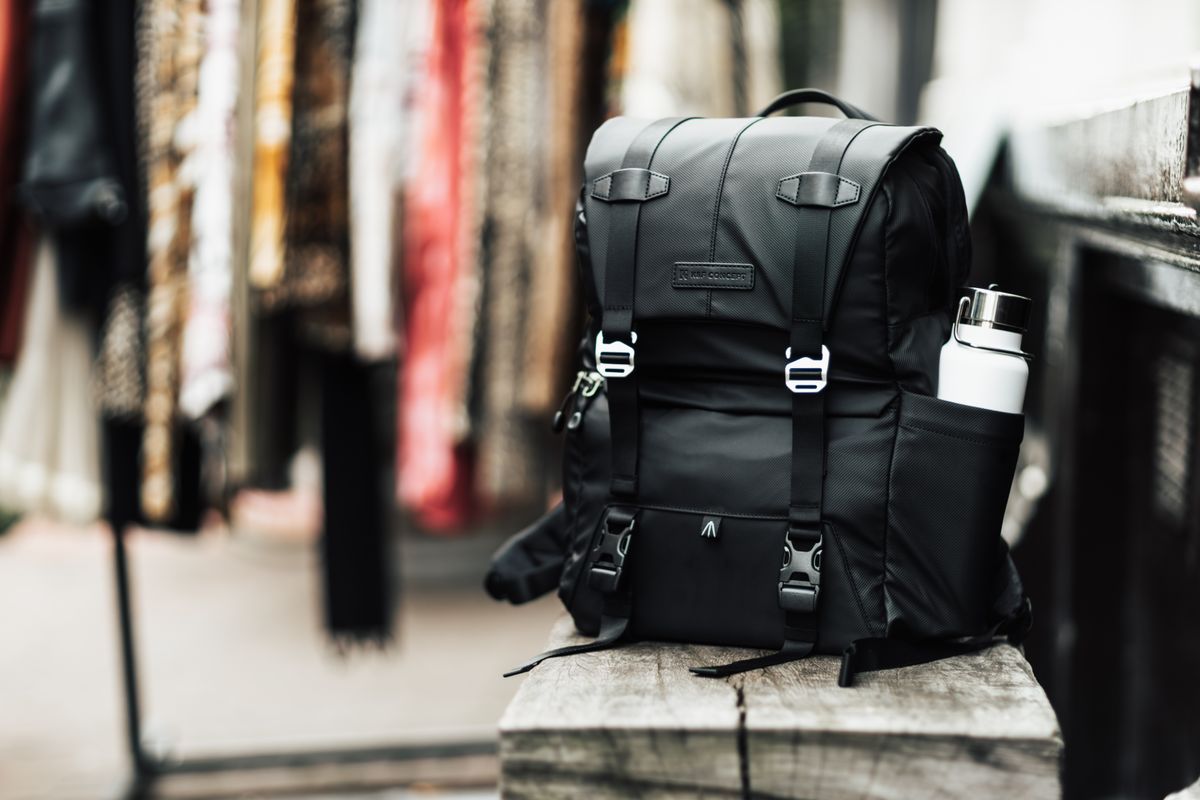
Photo by Matheus Bertelli on Pexels
Built specifically for one-bag travel, the Jet Ready Bag (Lefame 40L) combines a 180-degree wide-open suitcase layout with a dedicated padded rear compartment that comfortably holds up to a 17-inch laptop.
Why It Excels at Airport Security & Travel:
- TSA-Friendly 180° Lay-Flat Rear Compartment: Unzips flat so your 17-inch device stays protected inside during X-ray inspection.
- 40L Suitcase-Style Clamshell Packing: Packs like a suitcase for 3 to 7-day getaways, eliminating main-compartment clutter.
- 16-Pocket Smart Organization: Isolates power bricks, cables, passports, and 3-1-1 liquids away from the laptop screening plane.
- Includes 3 Customized Packing Cubes: Dedicated cubes for clothes, shoes, and toiletries maximize space and prevent internal shifting.
- Airport-Ready Ergonomics: Features a luggage pass-through strap, hidden anti-theft passport pocket, water-resistant exterior fabric, and breathable padded shoulder straps.
Expert Pro-Tip: Cable Placement & Officer Discretion
The 2-Inch Separation Rule for Power Bricks
When packing a 17-inch gaming or workstation laptop, the power adapter is usually a heavy, dense brick. Never pack charger bricks, power banks, or coiled cables directly against the top or bottom surface of your laptop sleeve. X-ray machines view dense copper wiring and silicon blocks as potential dark spots that obscure the laptop motherboard, triggering an automatic manual bag search.The Strategy: Store your power brick in a dedicated mesh organization pocket at least 2 to 3 inches away from the flat plane of the laptop.
Handling TSA Officer Discretion: Remember that official TSA guidelines state screening officers always retain full discretion to request complete laptop removal, regardless of your bag's design. If an officer asks you to remove your 17-inch device, comply immediately and politely. Arguing standard checkpoint rules will only result in secondary screening and missed flights.
TSA Checkpoint Compliance Geometry: Flat-Lay vs. Blocked View
Understanding how X-ray beams inspect your backpack explains why bag architecture matters so much at security.
Side-by-Side Comparison: TSA Checkpoint Efficiency by Bag Style
| Feature / Scenario | Standard Top-Loading Backpack | TSA-Friendly 180° Clamshell (Lefame 40L) | Loose Sleeve in Tote / Duffle |
| --- | --- | --- | --- |
| TSA Screening Speed | Slow (Requires complete laptop removal) | Fast (Lays flat on X-ray belt without removal) | Slow (Requires complete laptop removal) |
| 17-Inch Laptop Protection | High scratch risk from plastic bins | Zero scratch risk (Stays padded in bag) | High scratch and drop risk in security queue |
| 17-Inch Fit Capability | Often restricted to 15.6 inches | Dedicated padded sleeve fits up to 17 inches | Fits loosely with zero structural corner support |
| Cable & Adapter Isolation | Cables stack on top of laptop sleeve | 16 pockets keep power bricks off laptop plane | Messy cable clutter obscures X-ray view |
| One-Bag Travel Volume | 20L–30L (Tight for 3+ days) | 40L Capacity (Includes 3 packing cubes) | 15L–25L (Requires secondary luggage) |
Compare how standard top-loaders, dedicated lay-flat clamshells like the Lefame 40L, and loose sleeves perform during real-world airport screening.
Featured Gear: Jet Ready Bag 40L One Bag Travel Backpack
Designed for weekend getaways, business trips, and minimalist travel, the Jet Ready Bag (Lefame 40L) ensures you never have to choose between carrying a large 17-inch workstation and packing light.
Key Takeaways: Speeding Through Airport Security
Keep these essential rules in mind when traveling with a 17-inch laptop:
TSA Security Lane Checklist for 17-Inch Laptop Bags
Photo by Erhan Anbar on Pexels
- Ensure your 17-inch laptop is housed in a dedicated compartment that unzips 180 degrees flat.
- Verify no clothing, notebooks, or heavy metal items are packed directly under or over the laptop sleeve.
- Store charger cables and large power bricks in a separate front or internal mesh pocket.
- Unzip the laptop compartment completely so both halves lay flat on the X-ray conveyer belt.
- If carrying a tablet, place it in a separate sleeve or bin if required by local airport rules.
- Keep your passport and boarding pass secured in the hidden back pocket prior to stepping up to the scanner.
Common Security Lane Mistakes with 17-Inch Laptops
Avoid these frequent packing errors that cause TSA officers to pull bags for manual inspection:
Frequently Asked Questions: TSA & 17-Inch Laptops
Clear up common doubts regarding airline personal item sizes, 17-inch tech fit, and TSA regulations.
Action Plan for Your Next Flight
Your decision: Determine if your 17-inch laptop requires a TSA-compliant 180-degree lay-flat travel backpack to streamline airport security.
Do this next: Pack your 17-inch laptop in the dedicated rear compartment of the Jet Ready Bag (Lefame 40L) and store power cables separately in organizational pockets.
- Read next: What Makes a Backpack TSA-Friendly? Features to Look For
- Read next: TSA Carry-On Laptop Rules: Can You Pack a 17-Inch Laptop?
Jet Ready Bag (Lefame 40L Travel Backpack with 17-inch Padded Tech Sleeve)
Ready to eliminate security lane stress and master one-bag travel with your 17-inch laptop? Here is your recommended next step.