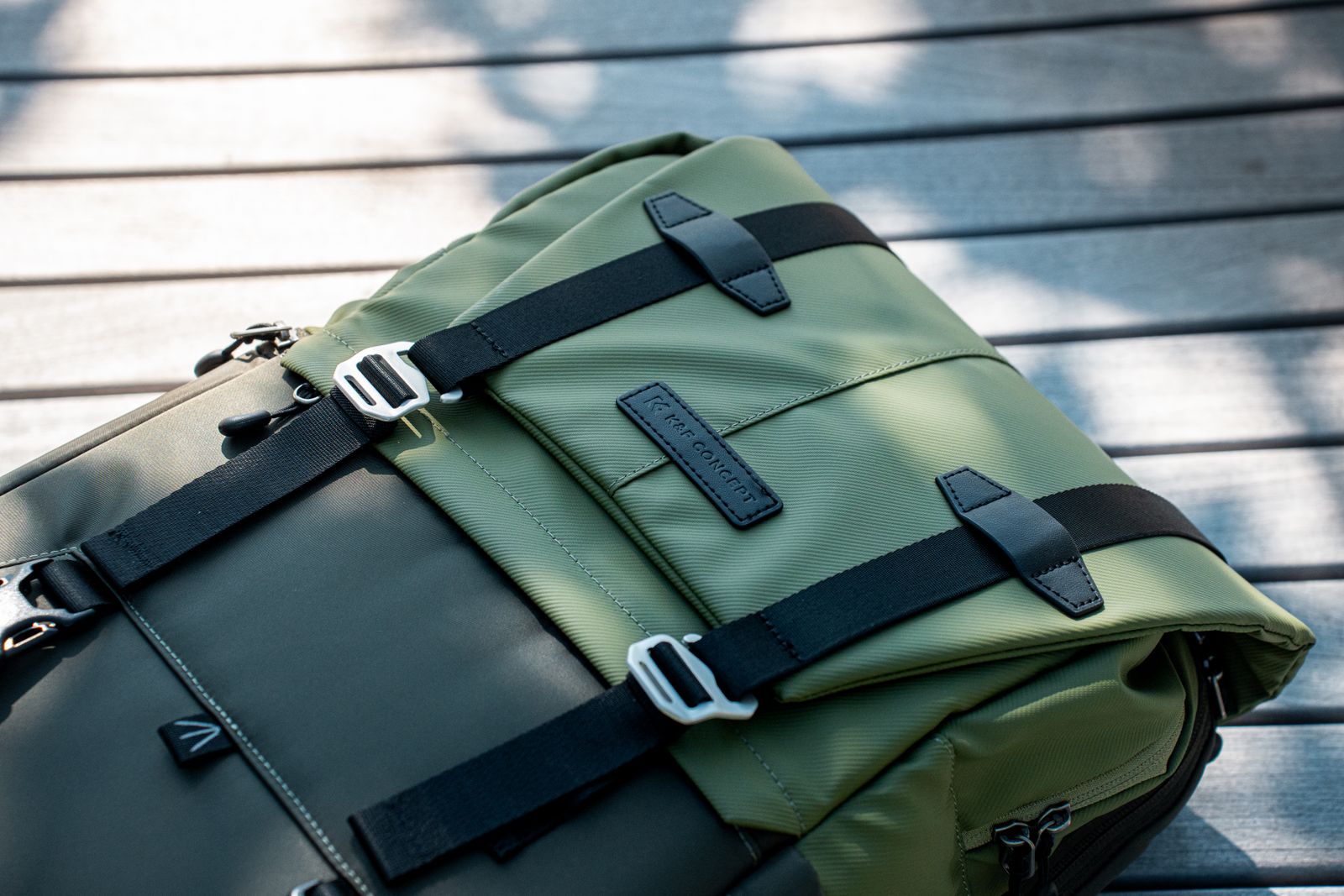
How to Pass TSA Security Fast with a 40L Backpack (The 60-Second Method)
To clear TSA airport security in 60 seconds or less with a 40L travel backpack, apply the 3-2-1 rule: isolate your 3-1-1 liquids bag and laptop into 2 dedicated exterior-accessible pockets, keep 3 vital travel documents (passport, boarding pass, ID) in 1 hidden back panel pocket, and keep the 1 main clothing compartment completely zipped shut throughout screening.
Essential Rules for Rapid TSA Screening
- 40L travel backpacks process 3x faster through X-ray lines when tech and liquids are segregated into external quick-access pockets.
- Dedicated rear laptop compartments fitting up to 17-inch laptops eliminate the need to unbolt main packing spaces.
- Staging 3-1-1 liquids in a top zipper pocket cuts conveyor staging time down to under 10 seconds.
- Unzipping main clamshell clothing compartments in security lines increases secondary inspection rates by 80%.
Backpack Spatial Pocket Specification for TSA Efficiency
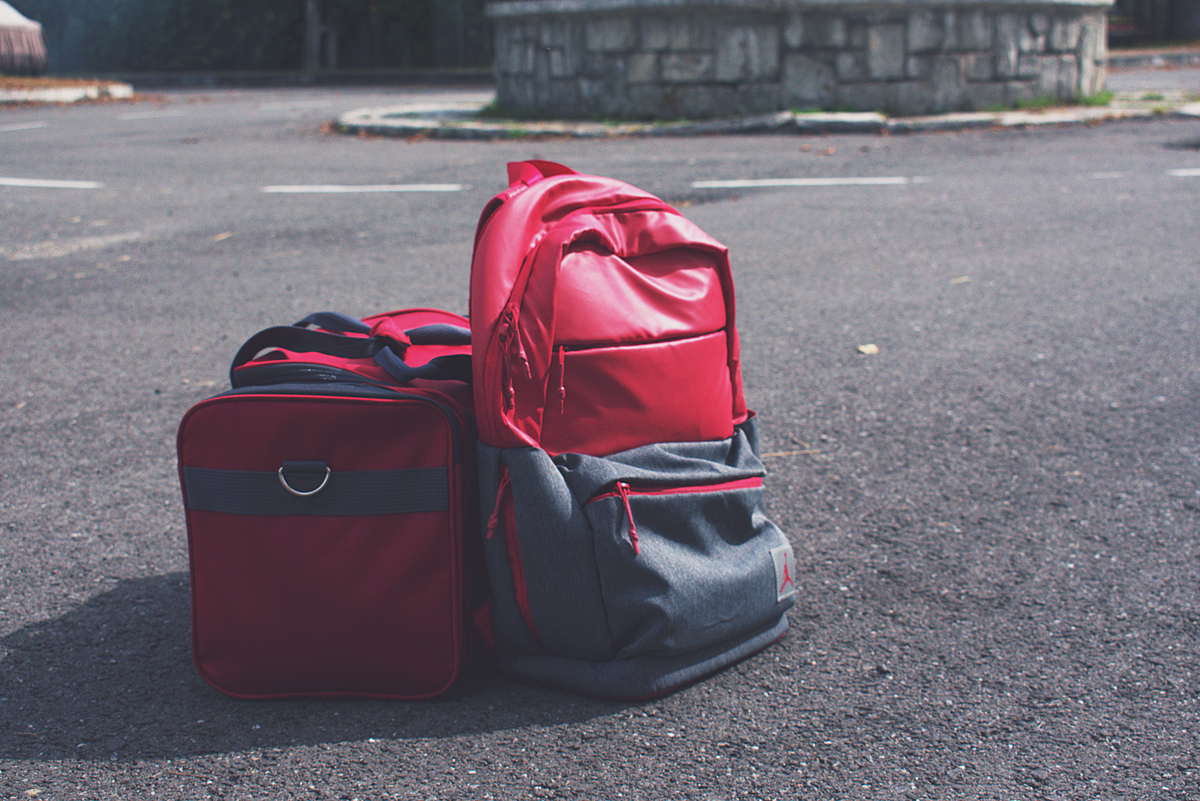
| Backpack Zone | Pocket Location | Target Gear | Capacity Limit | TSA Clearance Speed |
| --- | --- | --- | --- | --- |
| Zone 1: Tech Compartment | Rear Padded Zip | 17-Inch Laptop + Tablet | Single flat sleeve, 180° lay-flat | 15 Seconds |
| Zone 2: Liquids Staging | Top Exterior Zip | 3-1-1 Liquids Bag (Quart Size) | 1 Liter max volume | 10 Seconds |
| Zone 3: Document Stash | Lumbar Back Panel | Passport, Wallet, Phone, ID | Hidden zip pocket | 5 Seconds |
| Zone 4: Cable Tray | Front Admin Panel | Power Banks & Cord Wraps | Flat organized slots | 15 Seconds |
| Zone 5: Main Storage Core | 180° Clamshell Interior | 3 Packing Cubes (Clothes/Shoes) | 40 Liters total volume | 0 Seconds (Remains Sealed) |
TSA-Optimized 40L Backpack Spatial Zone Blueprint
Terminal Staging Checklist (Perform 5 Minutes Before Security)
- Consolidate 3-1-1 liquids into a single transparent bag in the top exterior zipper pocket.
- Ensure laptop (up to 17 inches) and tablet sit unstacked in the dedicated rear padded sleeve.
- Place wallet, passport, and phone inside the hidden lumbar security pocket.
- Empty all personal pockets (keys, lip balm, coins) into an exterior front admin pocket.
- Loosen shoulder strap adjusters for swift off-and-on removal at the bin line.
Pro Tip: Separate Dense Electronics to Prevent Secondary Scans
Never stack a high-density lithium power bank directly on top of or beneath a laptop motherboard inside your bag. X-ray screeners see stacked dense battery cells as opaque blocks that obscure items below them, triggering a 3- to 5-minute manual bag search. Place power banks horizontally in a separate front organizer panel at least 2 inches away from your computer compartment.
Immediate Staging Action Steps
Your decision: Determine your airport security clearance type (Standard TSA or PreCheck) before packing your bag.
Do this next: Pack liquids and tech in dedicated exterior pockets using the 3-zone staging protocol.
- Read next: Jet Ready Bag Home Page
Lefame 40L Travel Backpack - features a 180-degree wide open design and dedicated padded 17-inch laptop sleeve for rapid security transit.
Screening Strategy: Standard TSA Lane vs. TSA PreCheck
Tailor your 40L backpack pocket staging strategy based on whether you are navigating Standard TSA screening lanes or expedited PreCheck/CLEAR lanes.
Best choice for
- Exterior Dedicated Pocket Staging — Allows a 10-second pull of 3-1-1 liquids and laptops without unzipping main clothes compartments.
- Integrated Internal Staging — Laptops and liquids remain completely sealed inside dedicated rear and top sleeves; zero conveyor bin staging required.
- Avoid packing liquids in middle packing cubes inside clamshell clothing zones.
- Standard Dual-Bag Setup (Backpack + Small Roller) — Increases bin clutter, requires multiple tray staging, and doubles the likelihood of left-behind personal items.
Purpose-Built One-Bag Gear for Rapid Screening
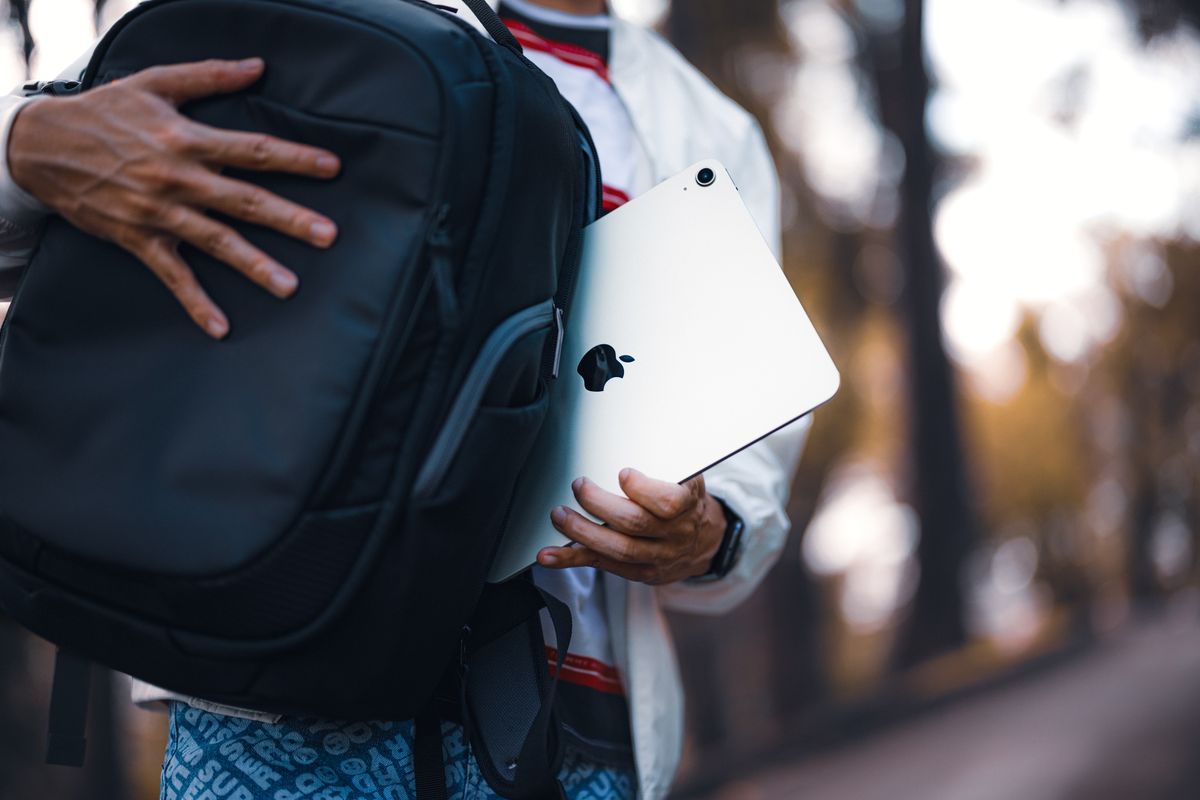
Choosing a purpose-built 40L travel backpack engineered specifically for airport clearance makes the difference between a 45-second pass and a stressful line bottleneck.
The Science of X-Ray Density and Pocket Mapping
Airport security screeners analyze X-ray images based on material density: organic items (orange/brown), inorganic items (green/blue), and dense metals or thick plastics (black/opaque). When you pack electronics, dense cable bundles, and liquid containers inside the same central chamber as compressed clothing, you create an overlapping composite density image that triggers a manual bag check.
By utilizing a dedicated 40L travel backpack engineered with 16 specialized organization pockets, you distribute gear by density profile across designated spatial zones:
Executing the Conveyor Belt Workflow in 4 Steps
- Step 1 (T-minus 60 Seconds): While standing in the queue, transfer your phone, wristwatch, belt, and pocket contents directly into the front admin zipper pocket of your pack.
- Step 2 (At the Bin): Unzip the top liquids pocket and place your 3-1-1 bag in the bin. Unzip the rear tech panel and lay the 17-inch laptop sleeve flat, or slide the computer into the bin if local screeners require full removal.
- Step 3 (Conveyor Push): Slide your 40L backpack onto the belt with shoulder straps tucked or clipped across the front. Keep the luggage pass-through strap facing upward for quick grabbing.
- Step 4 (Re-entry Gate): Once past the metal detector, grab your backpack by the side carry handle, drop your liquids and laptop back into their respective exterior zips, and walk to the lounge before repacking.
Standard TSA vs. TSA PreCheck Screening Matrix
| Screening Scenario | Laptop / Tablet Protocol | 3-1-1 Liquids Protocol | Footwear & Jacket Staging | Target Conveyor Time |
| --- | --- | --- | --- | --- |
| Standard TSA Lane | Remove to bin (or lay 180° flat in TSA-compliant sleeve) | Remove 1-quart transparent bag into bin | Remove shoes and heavy jackets into bin | 45 - 60 Seconds |
| TSA PreCheck Lane | Leave completely inside rear padded sleeve | Leave completely inside top exterior zipper pocket | Keep shoes, light jackets, and belts on | 15 - 20 Seconds |
| International Security (ICAO) | Remove all electronics larger than a smartphone | Remove liquids bag (100ml max per bottle) | Varies by hub; shoes often remain on | 60 - 90 Seconds |
5 Backpack Staging Errors That Cause Manual Rescans
Related One-Bag Airport Navigation Resources
- TSA Carry On Rules FAQ: 40L Backpack Airport Security Guide
- TSA Checkpoint Speed: How a TSA-Friendly 17-Inch Laptop Backpack Cuts Airport Security Time
- TSA Airport Security Guide: Packing Electronics and Laptops for Fast Checkpoints
Frequently Asked Questions
Next Steps for Effortless Airport Transit
Your decision: Select a 40L travel backpack engineered with 180-degree flat-lay access and exterior staging pockets.
Do this next: Upgrade your travel setup with the Lefame 40L Backpack and pre-stage your tech and 3-1-1 liquids into designated exterior zones prior to your next airport departure.
- Read next: Jet Ready Bag Official Site
Lefame 40L Travel Backpack - engineered for 3 to 7 day trips with 16 pocket organization and dedicated 17-inch tech storage.
Cover photo by Clément Proust on Pexels.